Choose an interaction before a genre
If you want to stop and think, start with a move-paced puzzle. For physical timing, choose a one-action arcade or rhythm game. A conversation game asks for reading rather than motor precision, while a construction or programming game lets you design a system and inspect the result.
What browser access does—and does not—mean
The linked versions run in a browser, but some are prototypes or demos, and several need a desktop keyboard, mouse or WebGL. A successful page load does not establish that every later action works on a phone. Read each title’s specific device note before leaving the directory.
Keep the original host in view
CodeYourVibe is the guide, not the game server. The Play action opens the official external destination. Creator-hosted versions can change, may offer separate paid downloads, and can have their own save and privacy behaviour. You do not need a CodeYourVibe account simply to follow the official game link.
Games to compare
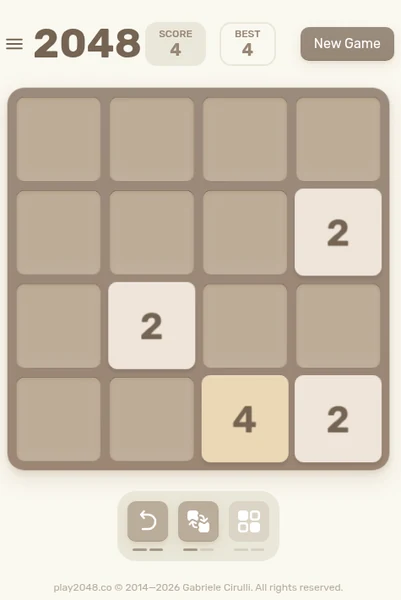
2048
Start here if you want a simple move set and an untimed choice between preserving space and taking a merge. Swipe input is documented in the original project.
Use arrow keys on a keyboard or swipe in a direction on touch devices. The original repository documents swipe handling and mobile contributions.
Read the device guidance →
Six Cats Under
For environmental reasoning, a house full of cats gives point-and-click actions a clear purpose without asking you to learn a combat system.
Point and click on interactive objects in the browser build. Follow the in-game responses to understand which actions change the room.
Read the device guidance →
A Dance of Fire and Ice — Browser Demo
Choose the browser demo to explore single-input rhythm. The small number of buttons does not make the timing challenge automatically easy.
The creator says any keyboard key can be used for the main input. Bracket keys adjust the offset; use the game’s calibration guidance if the sound and display feel misaligned.
Read the device guidance →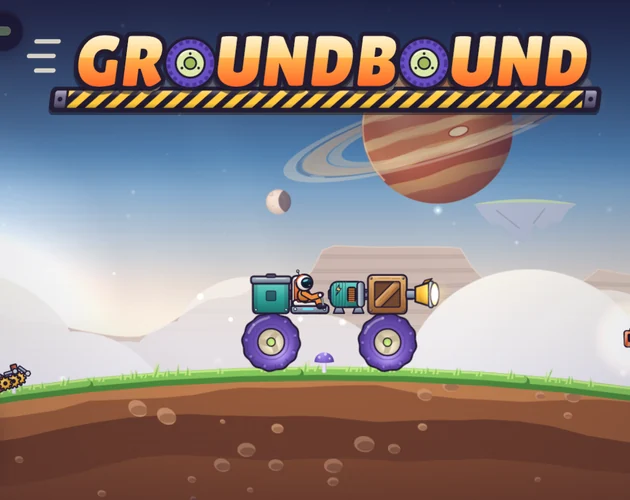
Groundbound
For a design problem you can see move, build a vehicle and test it against terrain and a load. Keyboard and touch are creator-described.
The official description lists keyboard or touch controls. Use the game’s own builder and driving prompts for the current mappings; a complete key-by-key scheme was not published in the text we reviewed.
Read the device guidance →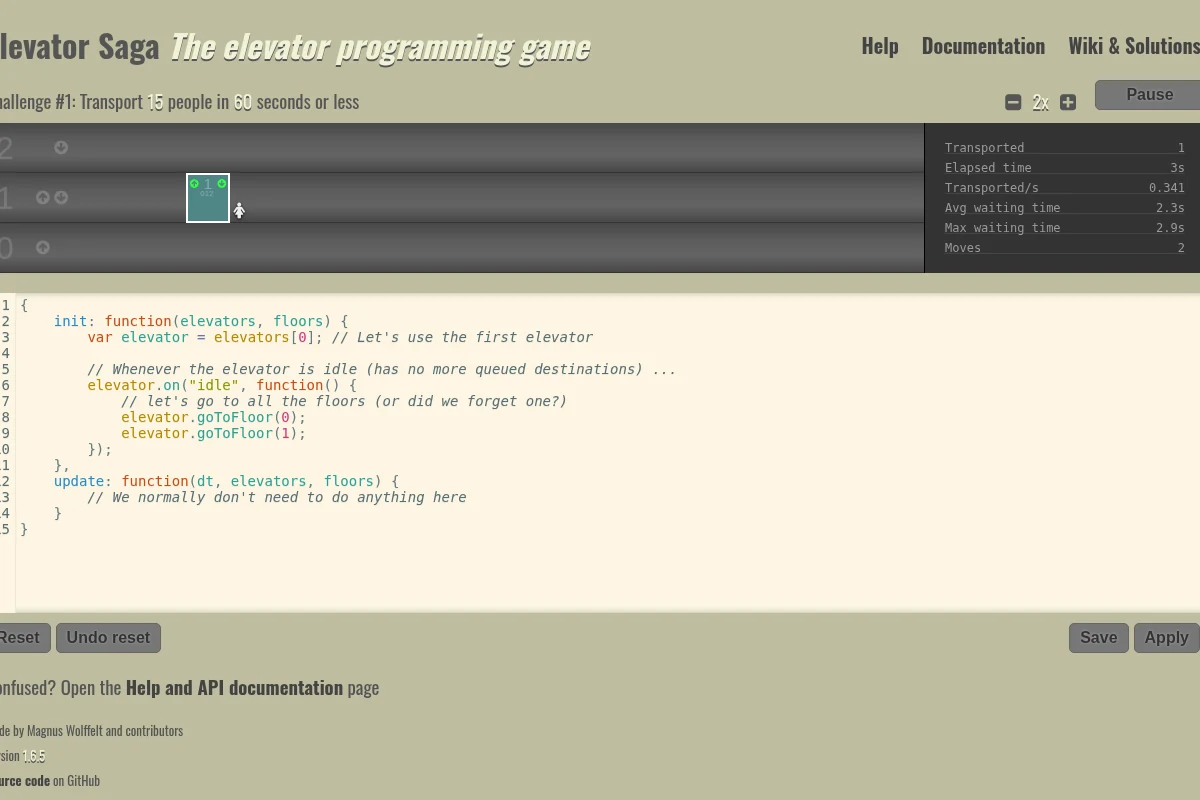
Elevator Saga
Choose this when you want the controls to be JavaScript. Watching the resulting elevator traffic tells you what your rules actually accomplish.
Edit the JavaScript in the on-page editor, then Apply it and start the simulation. Use the Help and Documentation links for the supported methods and events.
Read the device guidance →
Coming Out Simulator 2014
For authored dialogue rather than a score chase, this game makes a family conversation the central interaction. Read its mature-content note first.
Click the displayed conversation options and read the responses before continuing. The browser interface introduces its own interaction as the story begins.
Read the device guidance →Keep exploring
Use our player guide to compare controls, tone and device evidence. The full catalog also supports search and genre filters. Official sources and verification limits are recorded on every game page.