Read the evidence level
For 2048, swipe handling is documented in the original project. Groundbound and Monstrosweeper describe touch or phone play. Dungeon Squire explicitly focuses on small-screen touch, and last seen online lists smartphone/touchscreen inputs. Those are useful claims from the original sources, not a certification of every device/browser combination.
Screen size and input are different questions
A phone can register a tap yet make a dense board or a fictional computer desktop uncomfortable to read. A tablet can offer more room but still lack a keyboard action required by another game. Zoom, text entry and an external keyboard can change the practical experience without changing the game’s official platform listing.
Avoid the misleading shortcuts
Serenitrove says mobile support is partial, so it is not treated as fully equivalent to desktop here. Sort the Court sends mobile players to a different updated official host; the older itch build should not inherit that host’s support claims. The mouse-only JavaScript Pong project explicitly lacks mobile input support.
Games to compare
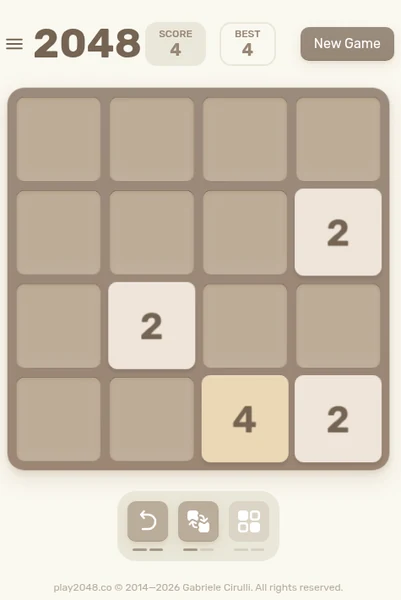
2048
Documented swipe directions match the game’s whole-board movement. A practical starting point when you want a touch-specific interaction rather than a desktop pointer imitation.
Use arrow keys on a keyboard or swipe in a direction on touch devices. The original repository documents swipe handling and mobile contributions.
Read the device guidance →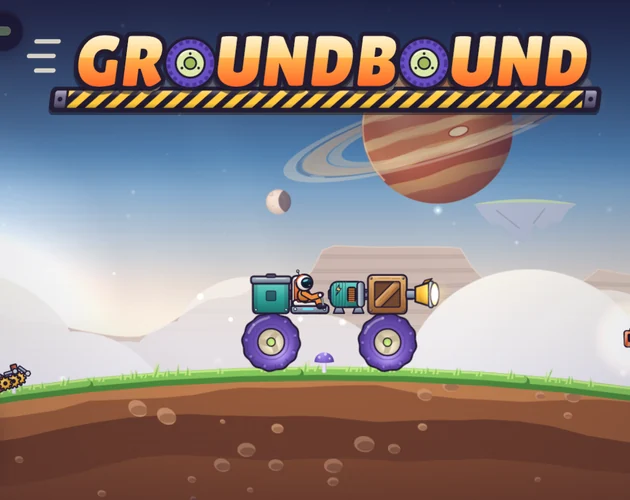
Groundbound
The creator describes keyboard or touch. Inspect whether the builder and small part placement are comfortable on your actual screen before committing to a long save.
The official description lists keyboard or touch controls. Use the game’s own builder and driving prompts for the current mappings; a complete key-by-key scheme was not published in the text we reviewed.
Read the device guidance →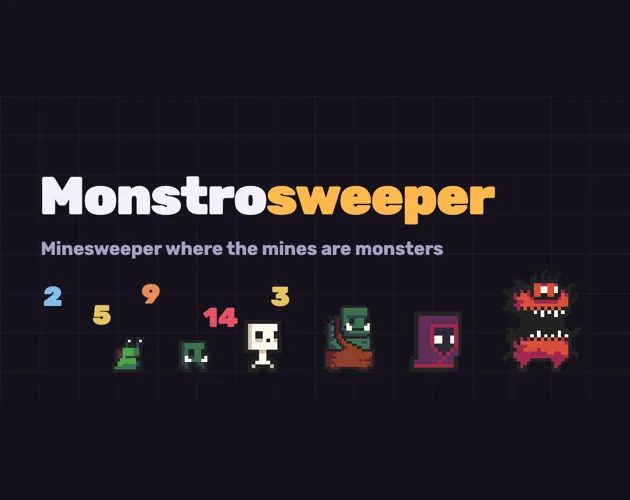
Monstrosweeper
The creator specifically describes phone play. Its health and experience rules give a board reveal a resource cost rather than making every uncertain move identical.
Tap or click the board and a monster to interact, following the tutorial. Read the displayed health, power and experience values before deciding to fight.
Read the device guidance →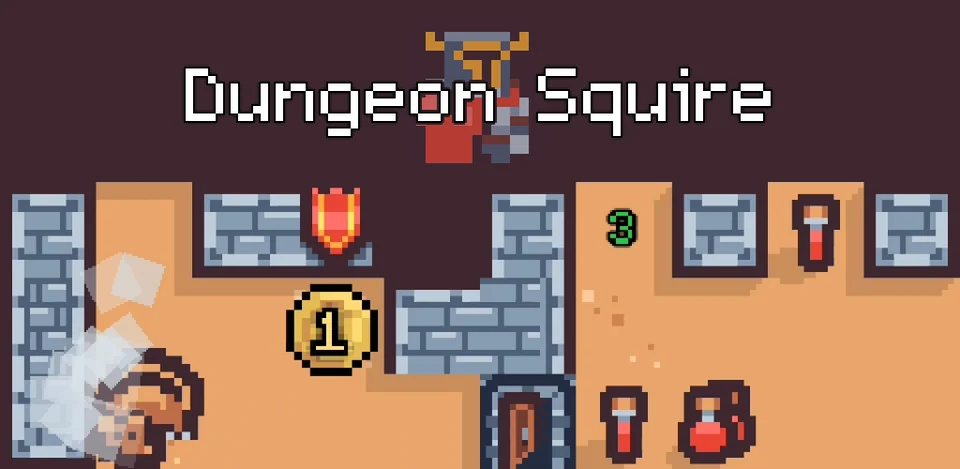
Dungeon Squire
The creator explicitly discusses Android-oriented touch and small screens. That is helpful evidence, while the separate Android distribution is not the same thing as an iOS browser guarantee.
The official listing includes mouse, touchscreen and smartphone inputs. Use the tutorial’s tile interactions; this page does not invent undocumented keyboard shortcuts.
Read the device guidance →
last seen online
Touchscreen and smartphone inputs are listed by the creators. Consider the amount of reading and text entry, plus the psychological-horror warning, before choosing it.
Use pointer interactions to explore the computer and keyboard input where a puzzle asks for text. The official listing includes keyboard, mouse, touchscreen and smartphone inputs.
Read the device guidance →Keep exploring
Use our player guide to compare controls, tone and device evidence. The full catalog also supports search and genre filters. Official sources and verification limits are recorded on every game page.