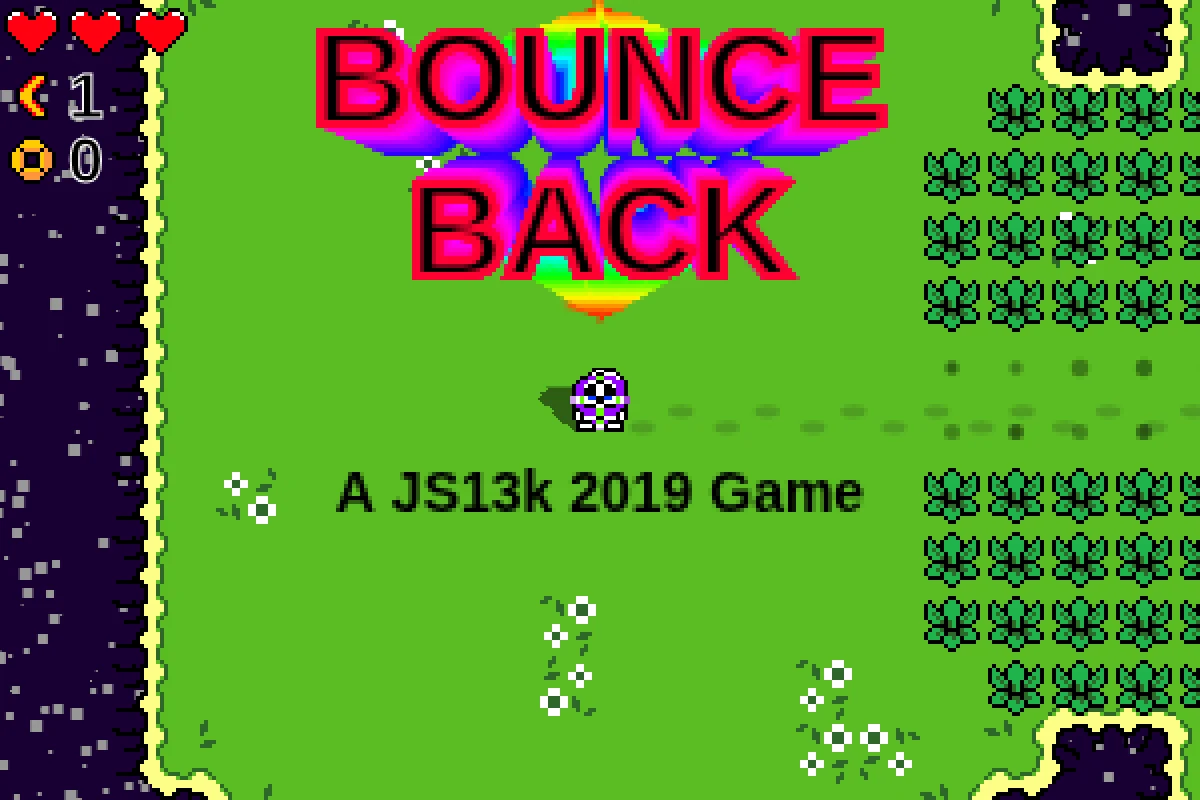
How Bounce Back plays
A returning weapon asks you to think about the space between throwing and recovering it. Bounce Back combines that trajectory with movement, so positioning can change what one throw reaches and how exposed you are while it travels.
Frank Force’s instructions give the dash a defensive role as well as movement utility. The creator also documents a shop, a map and progress that can persist between attempts. These are reasons to read the in-game hints rather than assume the game is only about clicking directly on the next enemy.
Who might enjoy it
For players who like mouse aiming, movement and learning how a small set of actions interacts. It is a less suitable fit for someone seeking a purely turn-based island exploration game.
Controls and device requirements
WASD moves, the mouse aims, click throws and Space dashes. The creator’s hints explain the defensive effect of boosting and the differing boomerang behaviours.
The official build loaded in desktop Chromium. Its documented controls call for a keyboard and mouse; touch-only phone/tablet support was not established.
What to try next
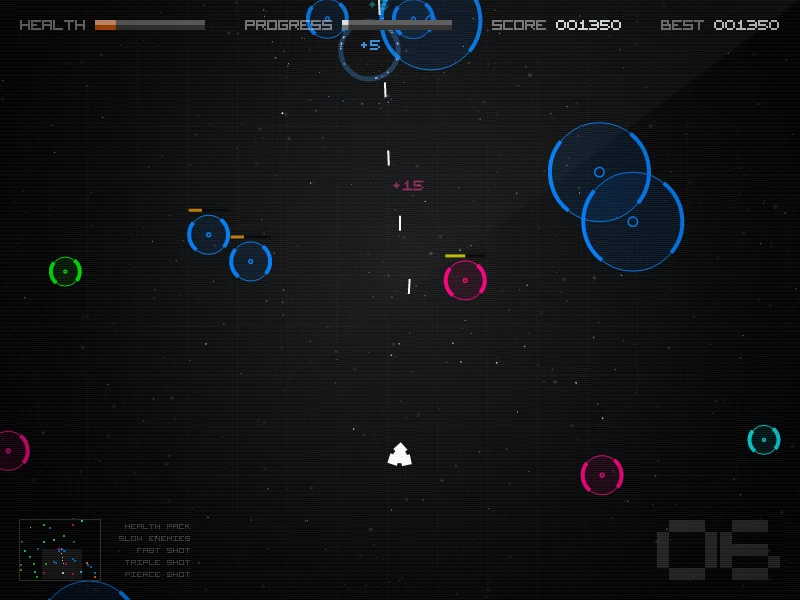 Radius Raid
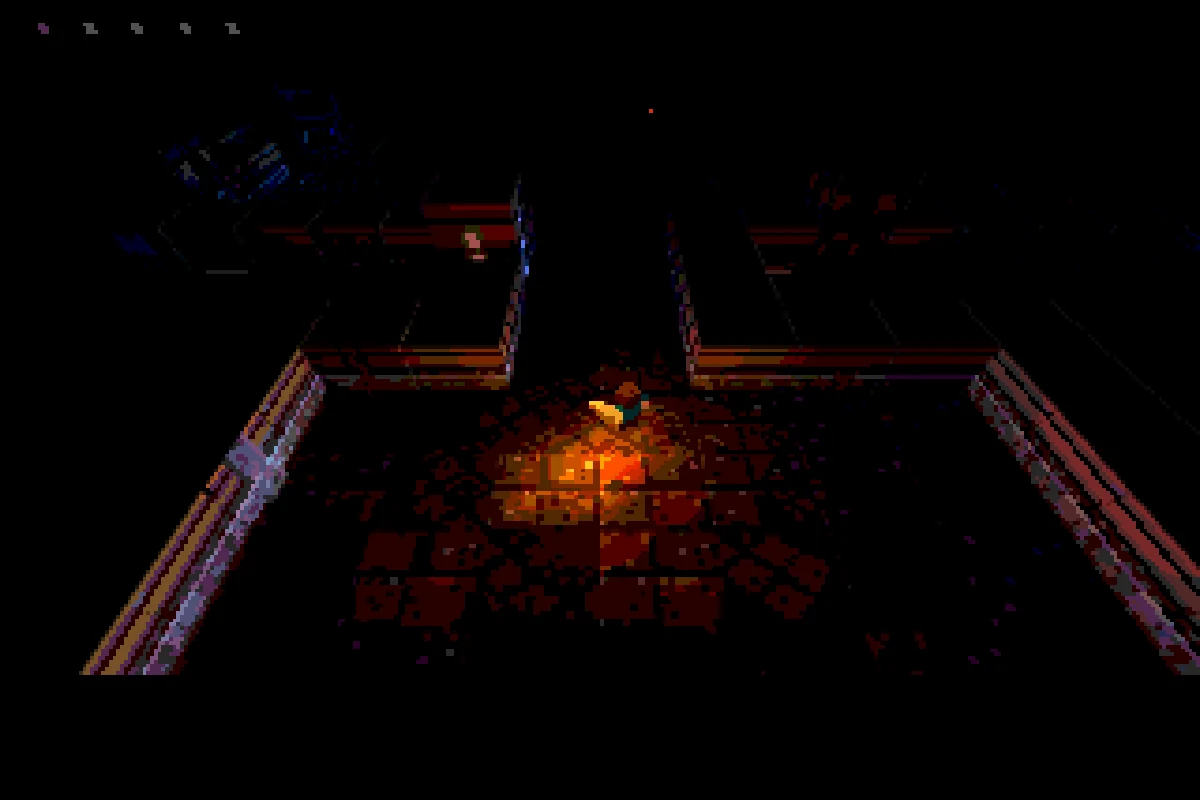 UNDERRUN
Creator, sources and verification
This is an editorial guide by CodeYourVibe, based on the linked official sources checked on 29 October 2026. Advice about player fit is editorial judgement, not a claimed full-game review, measured playtime or score. Creator statements about device support are distinguished from testing.
Availability and the hosted build can change. Suggest a correction or read how to choose a browser game.