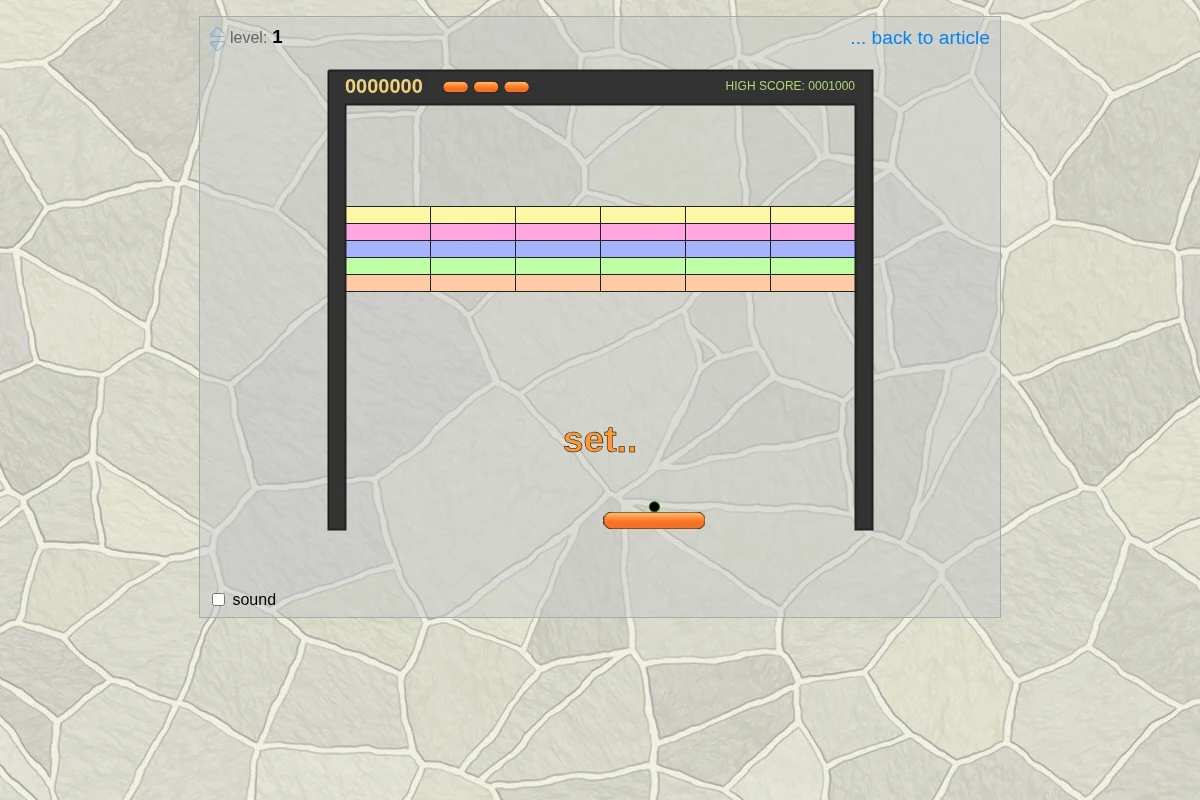
How JavaScript Breakout plays
Breakout makes a small movement task serve a larger spatial goal. Getting the paddle underneath the ball avoids an immediate loss, while the resulting trajectory influences which part of the wall you can reach next.
Jake Gordon’s browser experiment exposes level selection and sound settings alongside the canvas. The accompanying articles discuss the game’s collision, state and touch-handling implementation. This is a useful starting point for players who want the core paddle-and-bricks idea without assuming that it includes every variant found in other breakout games.
Who might enjoy it
For players who like reading trajectories and making quick positional adjustments. It provides a more spatial target than Pong’s direct return-to-opponent objective.
Controls and device requirements
Space starts; left/right moves the paddle and up/down changes level. The official page also displays “touch here to start” and “drag paddle to move” instructions.
The official page publishes both keyboard and touch/drag instructions. That makes it a documented touch candidate; physical phone/tablet rendering and Safari behaviour remain unverified.
What to try next
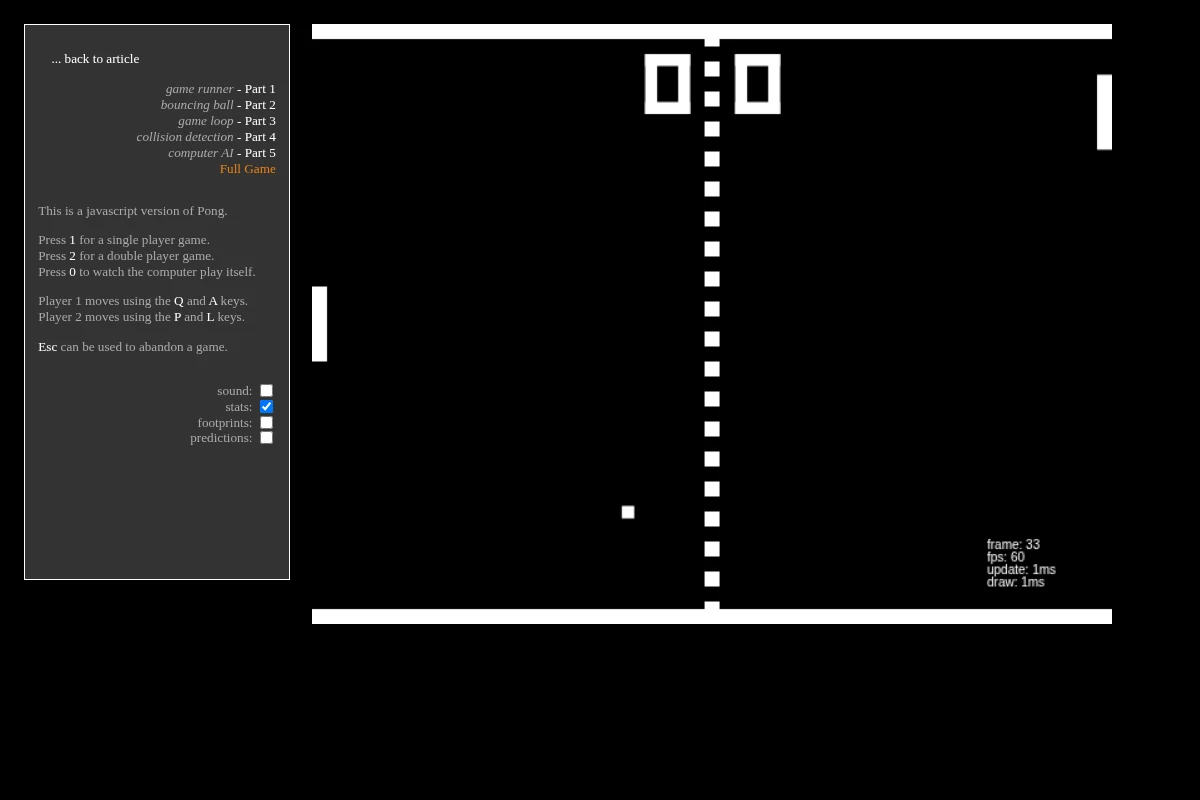 JavaScript Pong
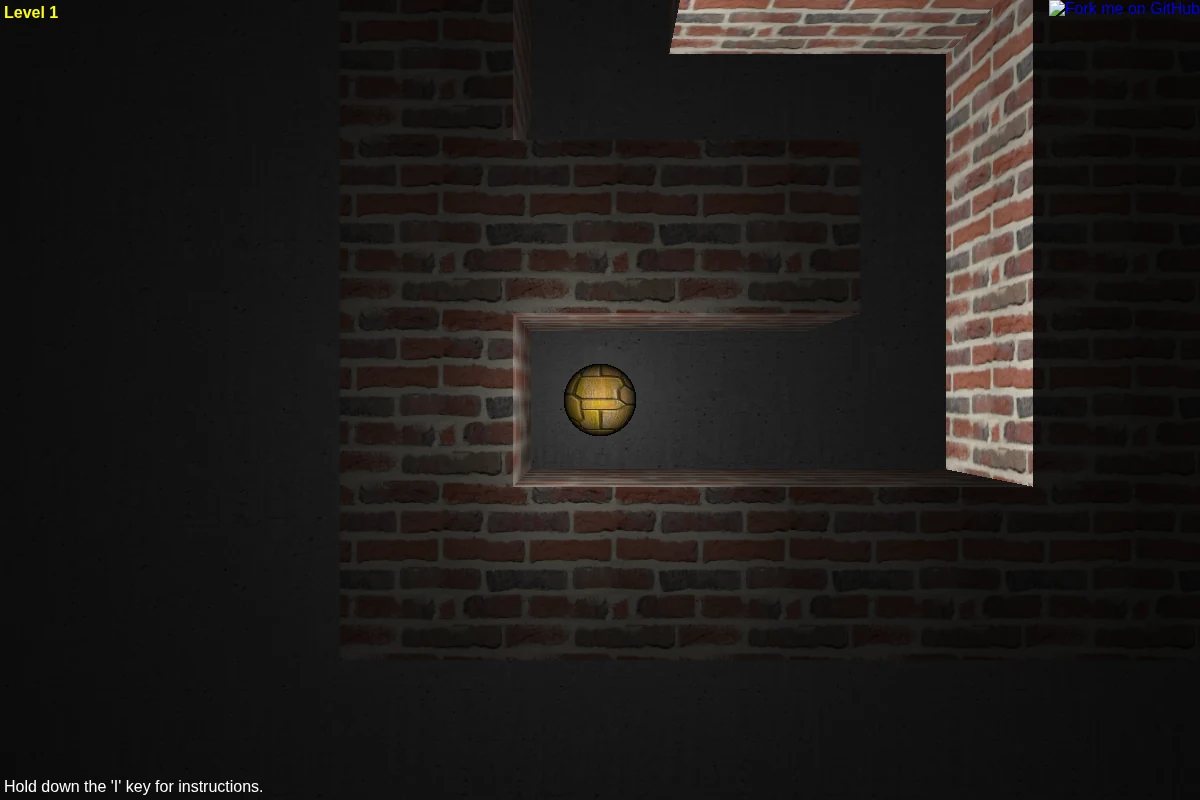 Astray
Creator, sources and verification
This is an editorial guide by CodeYourVibe, based on the linked official sources checked on 29 October 2026. Advice about player fit is editorial judgement, not a claimed full-game review, measured playtime or score. Creator statements about device support are distinguished from testing.
Availability and the hosted build can change. Suggest a correction or read how to choose a browser game.