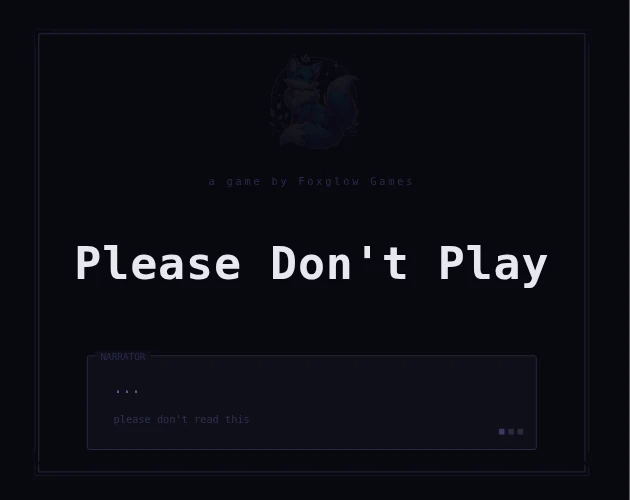
How Please Don’t Play plays
Please Don’t Play uses loading screens, menus and changing control expectations as part of the game rather than keeping them outside it. The creator describes a sequence of increasingly awkward obstacles with platforming and interface tricks. A broken-looking moment may therefore be deliberate fiction, not a real problem with your browser.
The premise works best without a level-by-level solution. Expect to test what an interface will allow and to pay attention when a familiar action stops behaving as expected. Unlike a consistent score-attack game, learning one control rhythm is not the whole task.
Who might enjoy it
For players who enjoy self-referential games, stubborn narrators and playful frustration. It is not a good match if changing rules or deliberately obstructive interfaces are precisely what you want to avoid.
Controls and device requirements
Mouse for menus; Space for the indicated flap/jump actions; arrow keys or WASD for movement; Escape pauses. The creator notes that some situations change the usual expectations.
The HTML5 build uses both mouse and keyboard actions. Touch-only phone and tablet play is not documented; use a keyboard-and-pointer setup rather than assuming a mobile menu makes the whole game touch-compatible.
Before you play: Intentional interface tricks and frustration are part of the design; this page does not spoil the later obstacles.
What to try next
 We Become What We Behold
Creator, sources and verification
This is an editorial guide by CodeYourVibe, based on the linked official sources checked on 29 October 2026. Advice about player fit is editorial judgement, not a claimed full-game review, measured playtime or score. Creator statements about device support are distinguished from testing.
Availability and the hosted build can change. Suggest a correction or read how to choose a browser game.